
The Profile section allows you to review and update your personal account information. This is where you can ensure your contact details and user identity remain current.
🧾 What You Can See
When you open the Profile view, you’ll see a summary of your user card:
-
Your assigned name
-
User role (e.g., Company)
-
Status (Active)
-
Phone number
-
Email address
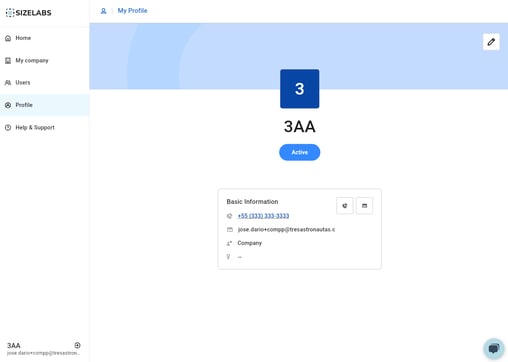
Caption: Profile summary showing name, contact info, and user role.
✏️ What You Can Edit
Clicking on the pencil icon at the top right lets you update the following fields:
-
Name
-
Gender
-
Phone number
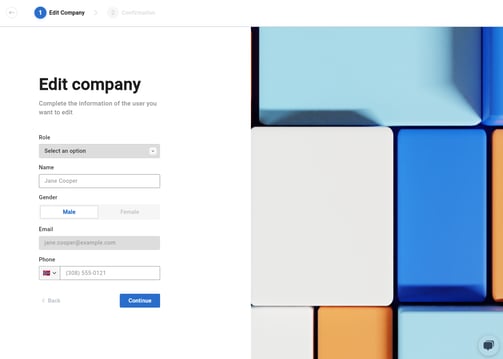
Caption: Editable fields for name, gender, and phone number in the profile edit screen.
These changes take effect immediately and help keep your profile up to date in case your company needs to contact you or verify your identity within the platform.